
Stock
Synchronise quantities based on your shop configuration and offer mappings.
Bring your shop and your marketplaces closer. Choose the exchanges you need, without juggling between tools.
Synchronise quantities based on your shop configuration and offer mappings.
Retrieve Sellermania orders and configure allowed status updates.
Prepare product imports and publication with the right modules for your business.
Enable features separately: start with stock and expand later.
Plugin screenshots. Click an image to open it full size.
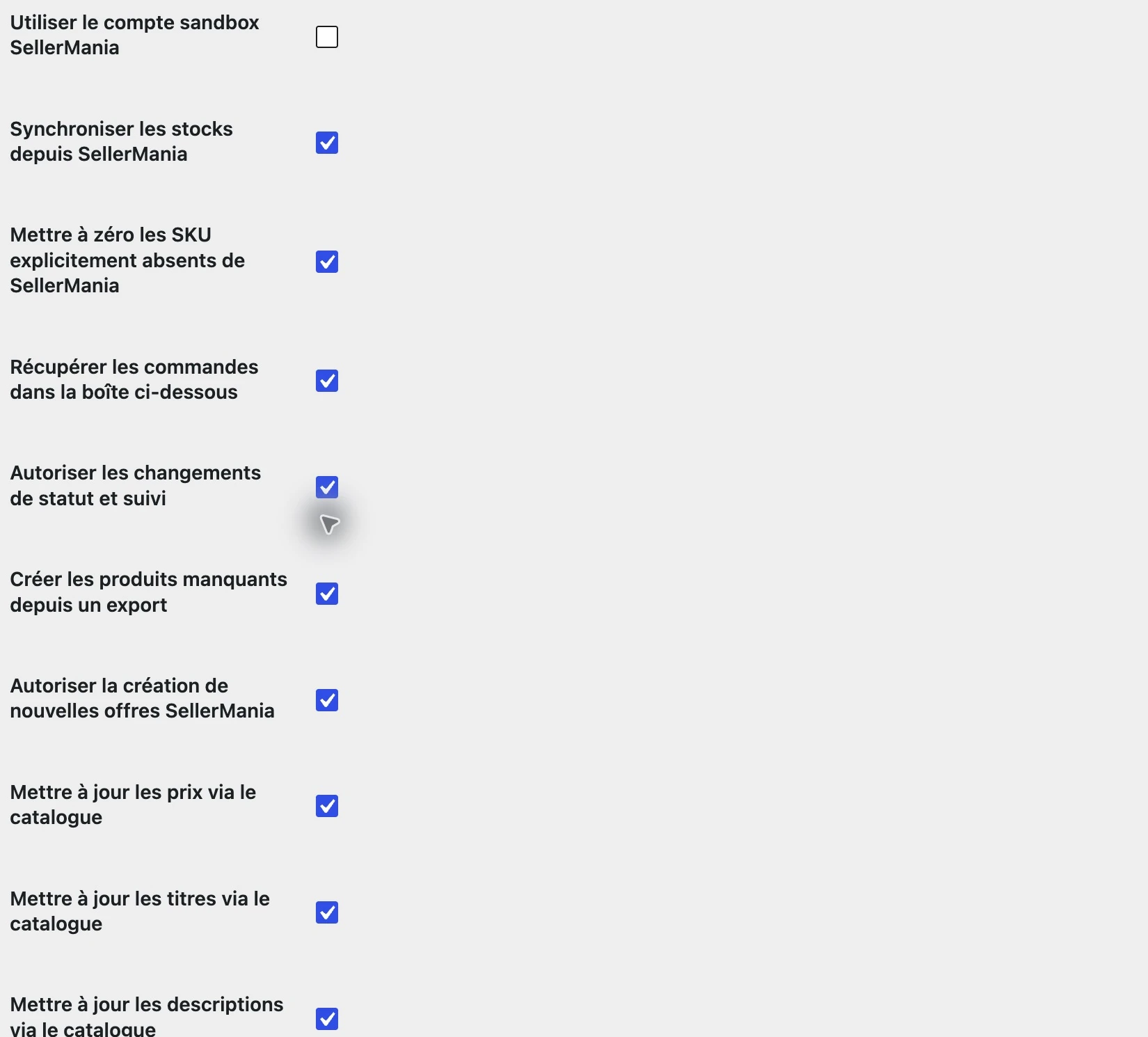
Stock, orders, statuses, product creation and catalogue updates: enable the exchanges that suit your business.
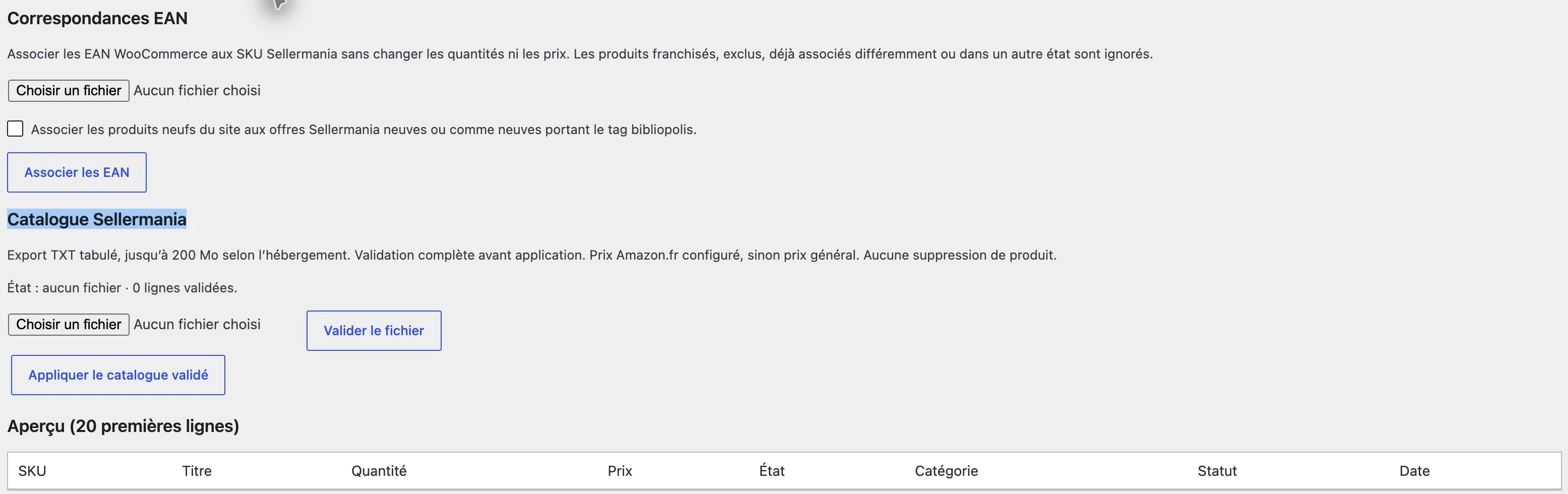
EAN mapping links your products. Validating the file prepares the check; applying the catalogue runs the changes.

Enter the WooCommerce ID after checking the product’s SKU, EAN and condition.
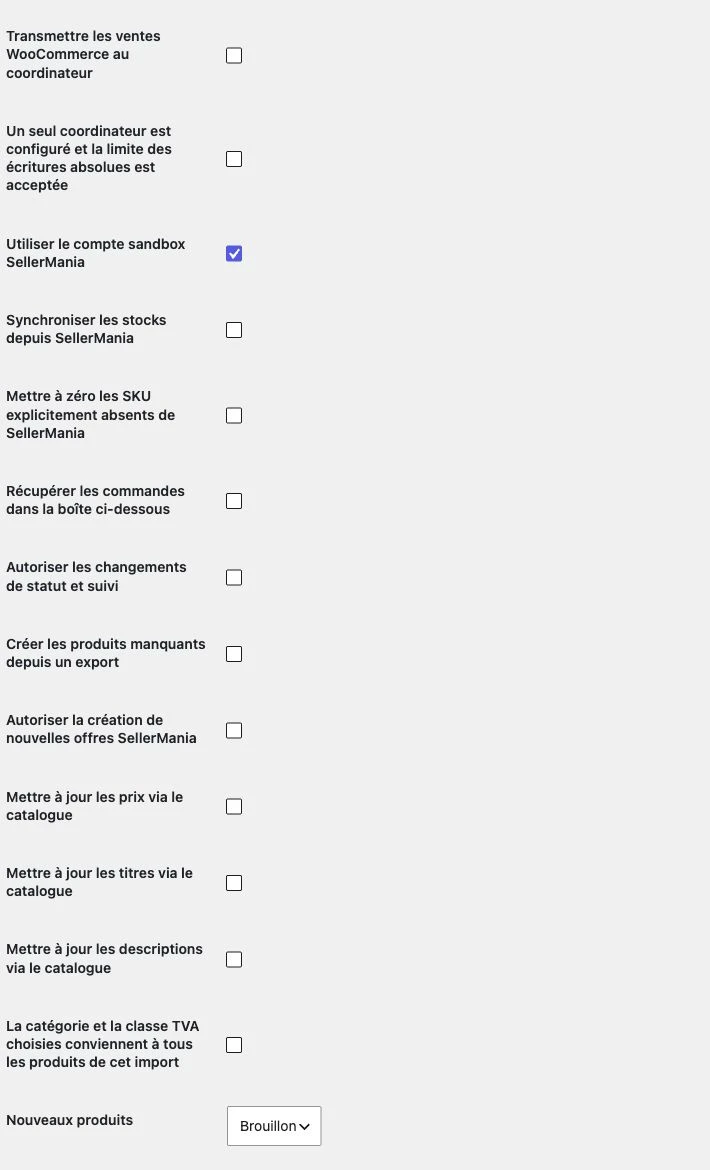
Enable the modules your shop needs, separately.
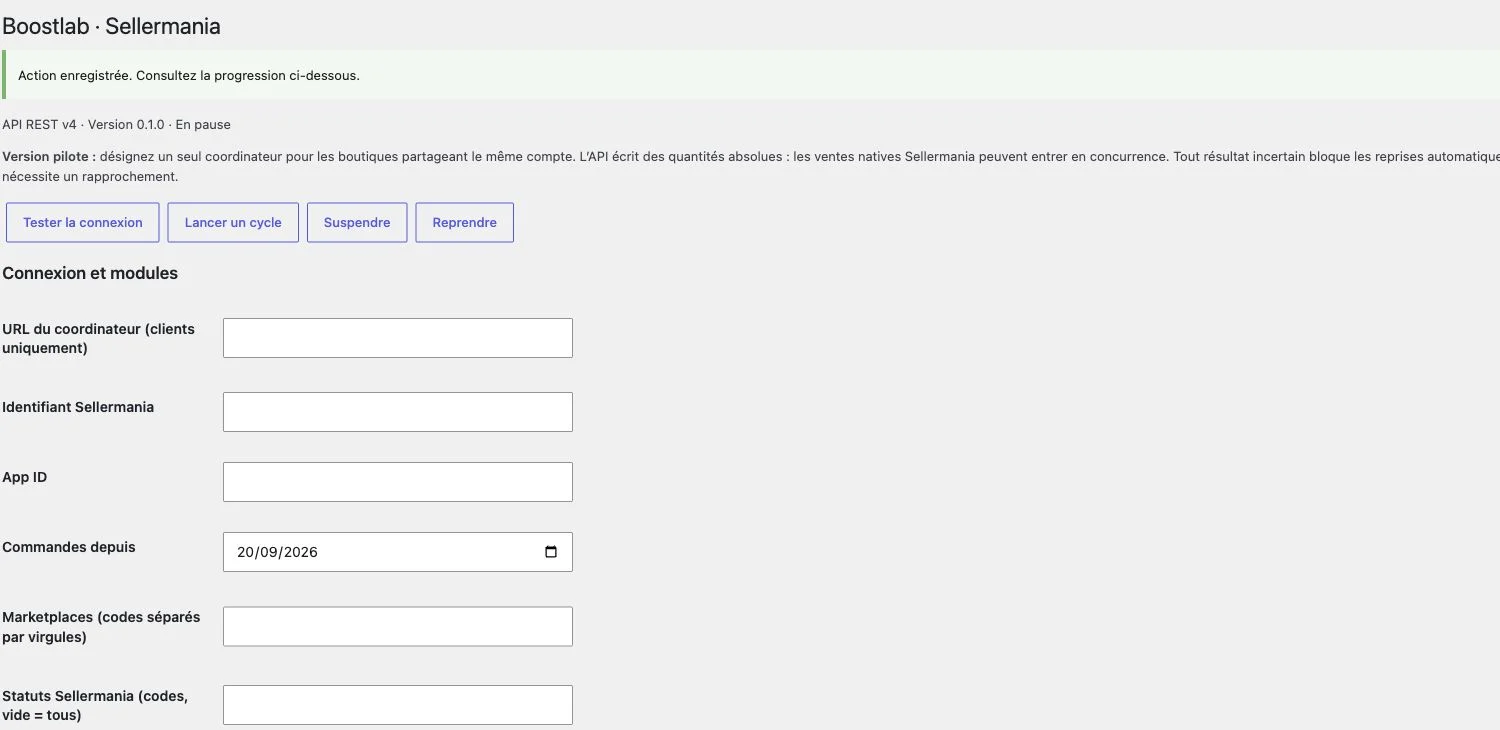
Connection settings are managed in WordPress.
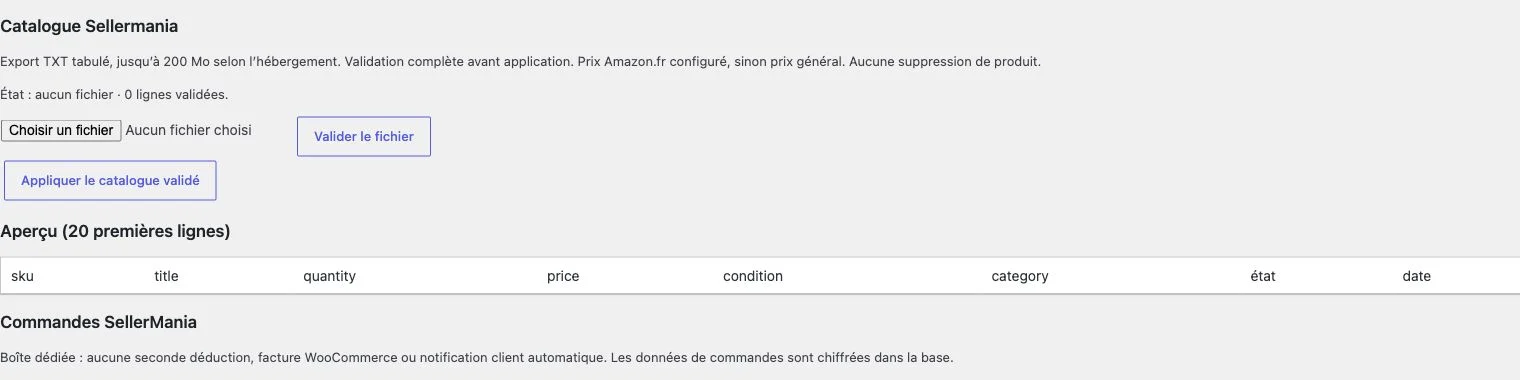
Find the product import and mapping options.
Orders, picking routes, PDF documents, shipping CSV, tracking import, scan verification and stock management in WooCommerce → Boostlab · Operations. This beta includes stock connector fixes.
A website, a piece of software, a network to install: tell us about your business. We’ll come back to you with a concrete first direction.